Remote workers spend 8-10 hours daily tethered to their laptops, yet most machines betray them halfway through the workday—sluggish performance, aggressive fan noise, and batteries gasping for mercy before lunch. The frustration compounds when switching between video calls, email, and project management tools simultaneously. Something has to give, and it's usually your sanity and productivity.
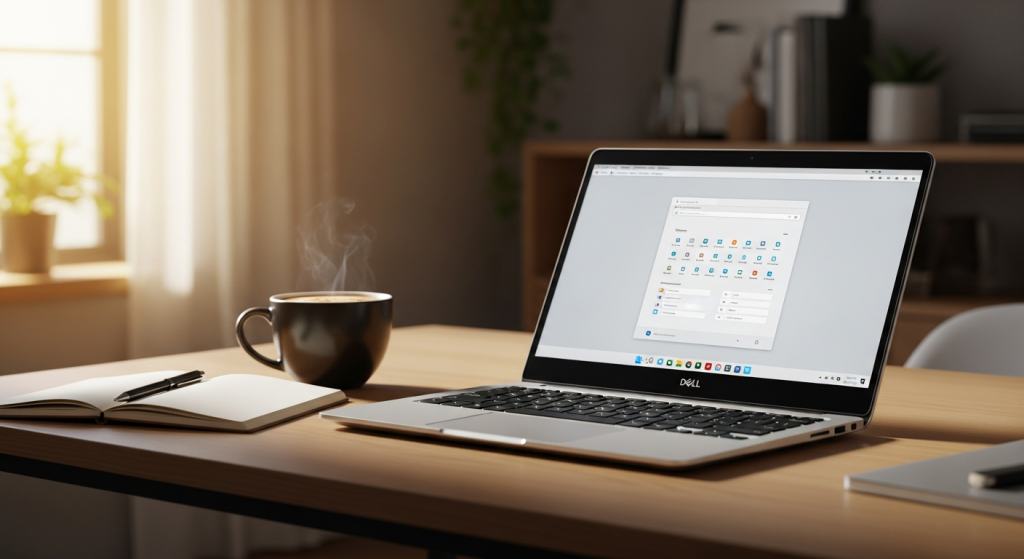
The Dell XPS 13 has become the refuge for professionals refusing to compromise. This ultraportable laptop combines a feather-light 1kg chassis, a stunning InfinityEdge display, and Intel Core Ultra processors that handle anything you throw at them. What makes it particularly compelling is the shift in pricing—entry models now start at $699, with student discounts dropping to $599, finally making premium performance accessible rather than aspirational.
Discover the Dell XPS 13 and transform your remote work setup today.
Remote Work Requirements: Why Portability Meets Performance
All-day productivity depends on hardware that keeps pace without interruption. Remote workers juggling time zones, client calls, and deadline-driven projects can't afford downtime or stuttering performance. The XPS 13 addresses this fundamental need through battery engineering that extends beyond 17 hours of continuous use. Whether streaming video, running productivity suites, or handling collaborative work, this laptop sustains full performance without requiring a power outlet.
Video conferencing has become non-negotiable for distributed teams. The Intel Core Ultra 7 258V processor handles simultaneous Zoom calls, screen sharing, and background applications without lag or thermal throttling. Colleagues see you clearly; your presentation runs smoothly; your browser doesn't freeze when switching between 20 open tabs. This responsiveness separates professional-grade hardware from consumer-level machines that crack under load.
Extended screen time demands display technology that protects your eyes and preserves color accuracy. The XPS 13 offers both OLED and LCD options, each engineered to reduce eye strain during 8+ hour workdays. Whether editing documents, reviewing designs, or simply reading email, the vibrant visuals and crisp text rendering eliminate the fatigue that comes with lower-quality displays.
Display Technology: The Visual Advantage for Screen-Heavy Work
The InfinityEdge design philosophy fundamentally changed ultrabook aesthetics. Ultra-thin bezels frame the 13.4-inch screen, maximizing viewable area within a compact footprint. This isn't merely cosmetic—more screen space in the same physical size translates to better productivity without requiring a larger, heavier device.
Choosing between OLED and LCD involves understanding your priorities. The 3K OLED variant (2880 x 1800) with 120Hz refresh rate delivers stunning contrast, perfect blacks, and silky-smooth scrolling. The 2.5K LCD option provides 100% DCI-P3 color accuracy, supporting professional-grade photo editing and design work without sacrificing durability or battery life. Both exceed what you'd find on competing ultrabooks, though the OLED edges toward premium content consumption while the LCD suits color-critical professional work.
DCI-P3 color gamut coverage ensures that colors you edit remain true across devices and platforms. For remote professionals handling visual content—designers, photographers, video editors—this accuracy becomes essential. The XPS 13 doesn't force you to compromise between portability and professional-grade display specifications.
Processing Power for Distributed Work: Intel Core Ultra Series 3
The Intel Core Ultra 7 258V (Lunar Lake) processor represents a generational leap in efficiency without sacrificing responsiveness. This architecture optimizes thermal performance, meaning the laptop runs cooler and quieter than previous generations while delivering faster execution across common work tasks.
Multitasking on the XPS 13 means handling 20+ browser tabs, email clients, project management software, and communication platforms simultaneously without stuttering. Context switching—moving between Slack, Google Workspace, document editors, and video conferencing—happens instantly. The processor's efficiency cores handle background tasks while performance cores focus on active applications, creating a seamless experience that scales with your workload.
Real-world performance benchmarks show measurable speed advantages for distributed work tasks. Document processing executes faster, video rendering completes sooner, and large file transfers happen without noticeable system lag. For remote workers whose compensation depends on productivity, these seconds accumulate into hours reclaimed monthly.
Explore the XPS 13's processing power and see how it accelerates your workflow.
Why Remote Professionals Are Choosing the XPS 13 in 2026
The Dell XPS 13 has evolved from a luxury ultrabook into genuinely practical hardware for remote workers demanding both performance and portability. Its lightweight design, stunning display options, and Intel Core Ultra processing power create an environment where productivity flourishes—whether working from home, client sites, or across continents. Recent price reductions have shattered the premium barrier, making this laptop accessible to distributed teams operating on tighter budgets.
What distinguishes the XPS 13 is how its features orchestrate together harmoniously. All-day battery life eliminates the need for carrying power adapters; the vibrant OLED display reduces eye strain during marathon video calls; dual Thunderbolt 4 ports ensure seamless collaboration worldwide. The feather-light aluminum chassis transforms commuting between locations from a burden into an afterthought. You'll actually want to carry this laptop rather than resent the weight.
If your work demands hardware that keeps pace with your ambitions without slowing you down, the XPS 13 warrants serious consideration. Your productivity and your back will both thank you.
Start your remote work transformation with the Dell XPS 13 now.